AI agents
Ask your AI agent what came in, and let it send, snooze, and tidy up for you.
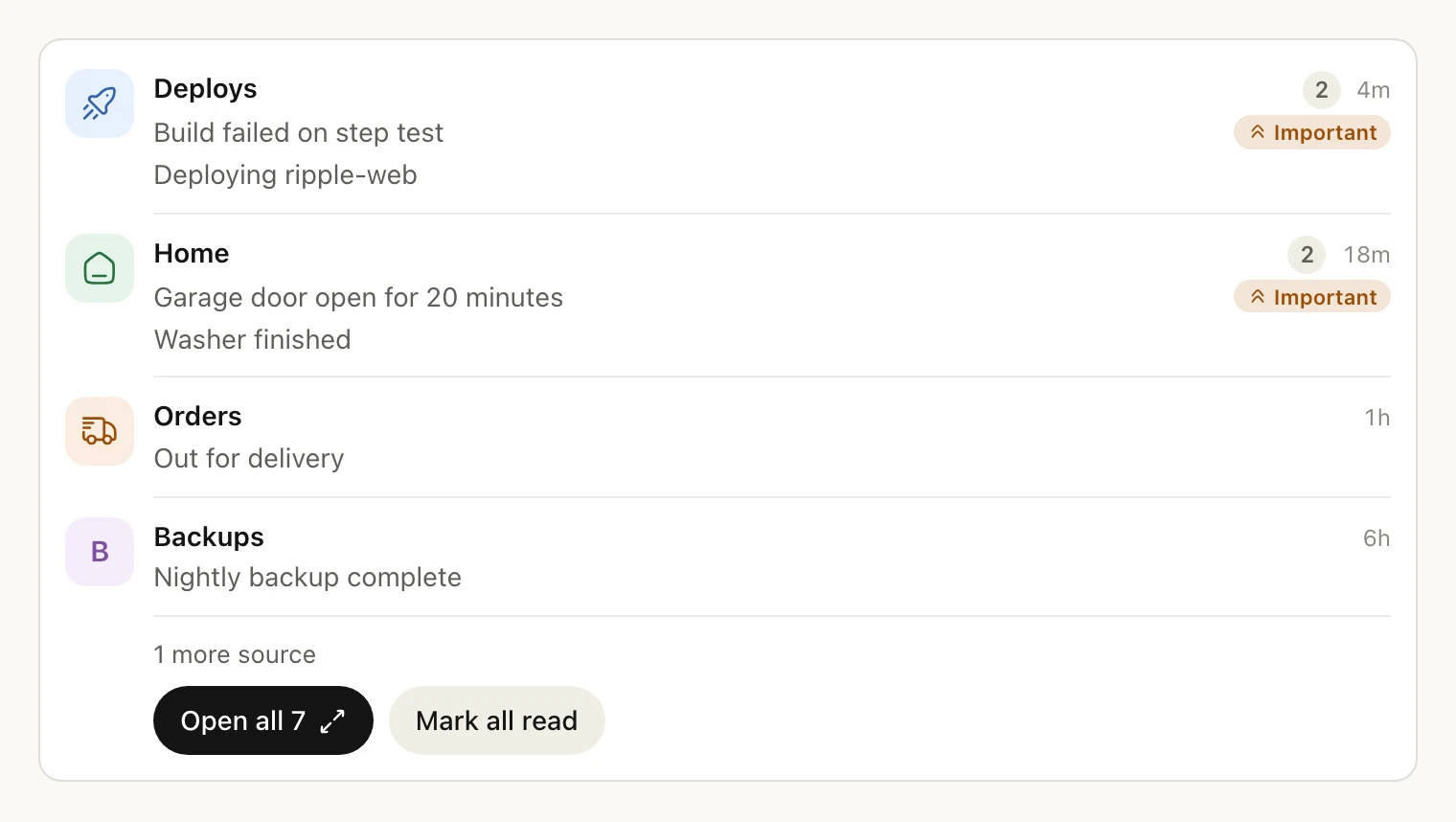
What came in overnight?
Add it once
Add Ripple to your AI agent, with the address https://mcp.ripple.do. Pick yours for its steps.
You choose what it can do
Ripple asks you to approve it, with one of four levels of access and the sources it may read. Change it or remove it any time in Settings.
Access
Including ones you create later.
Answers you can act on
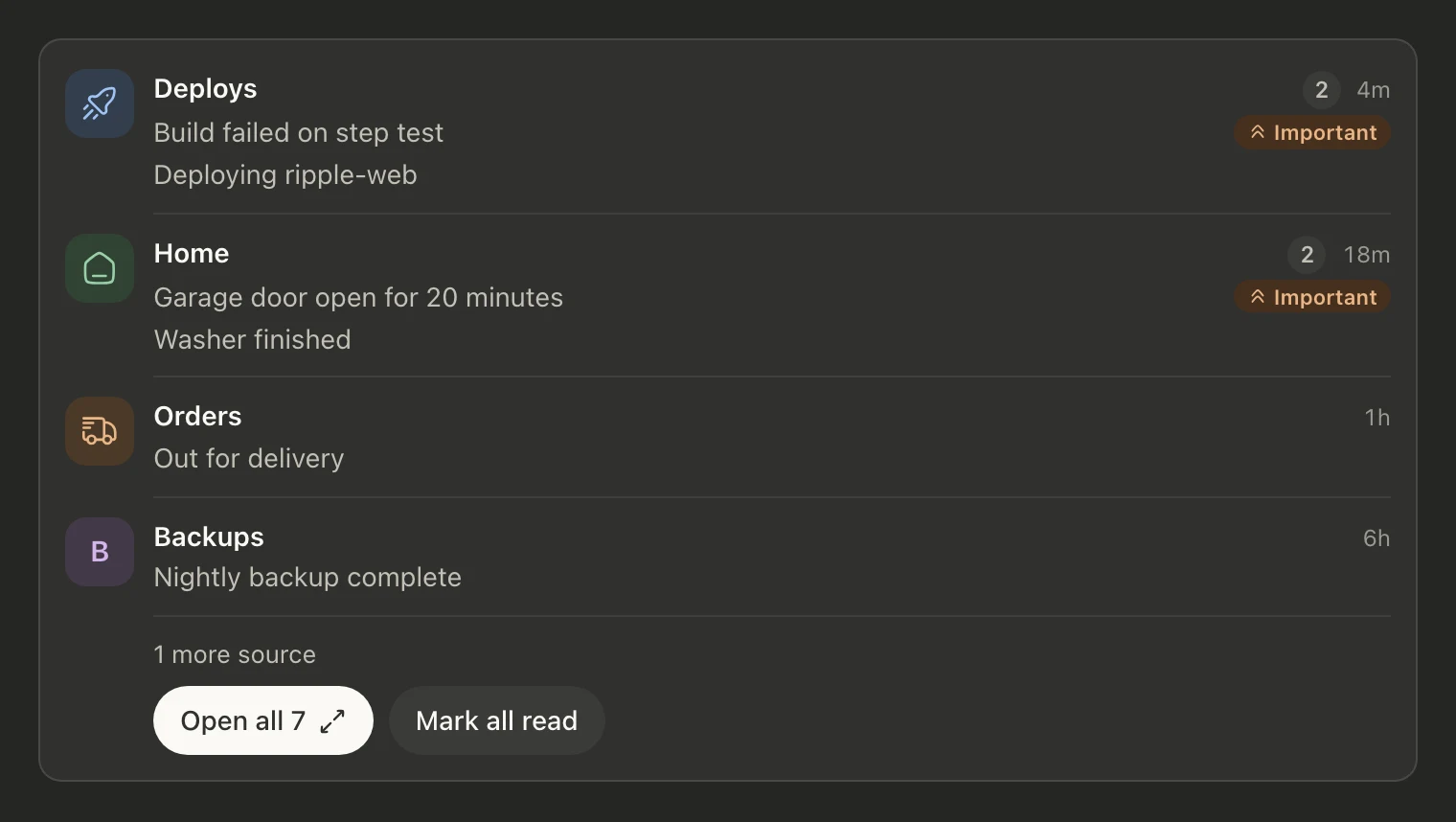
Catch up, search, or read a job’s thread, and Ripple answers with a card instead of a wall of text. Open it all full screen to read, mark, snooze, and archive.
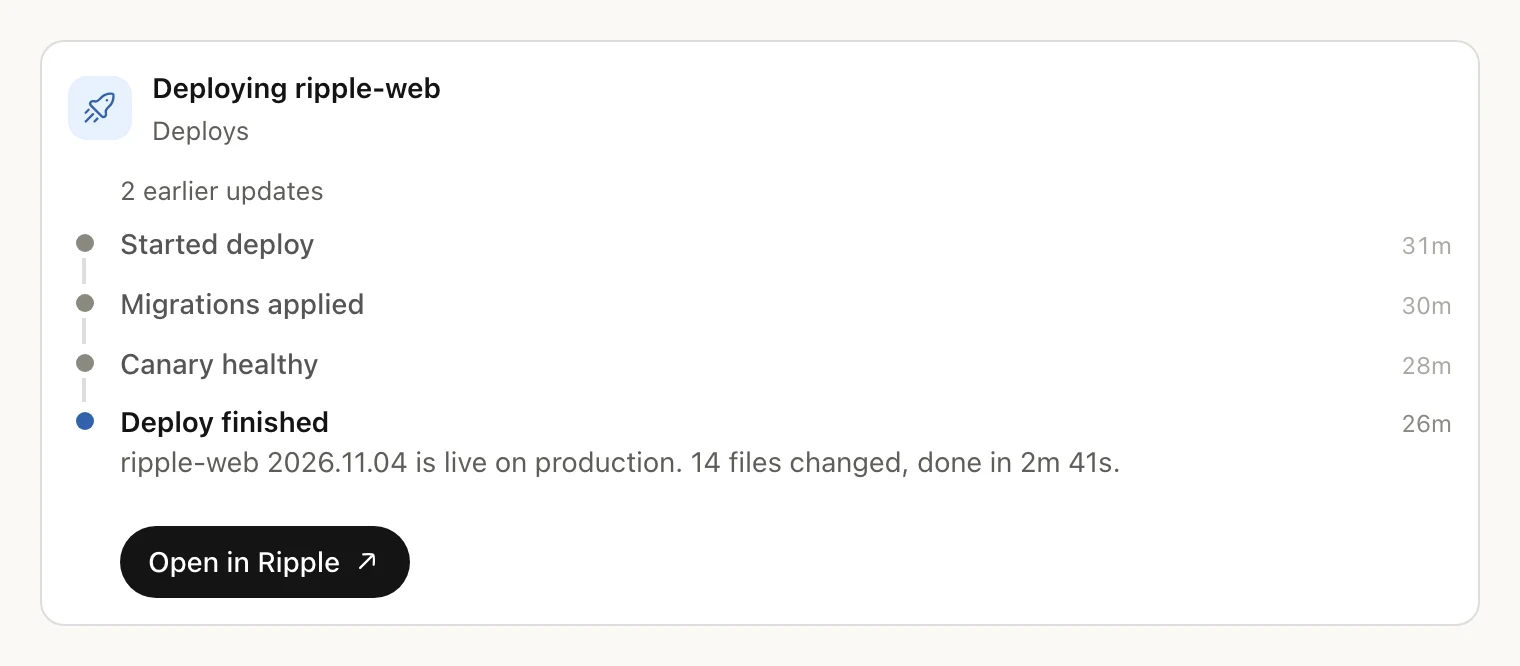
How’s the ripple-web deploy going?
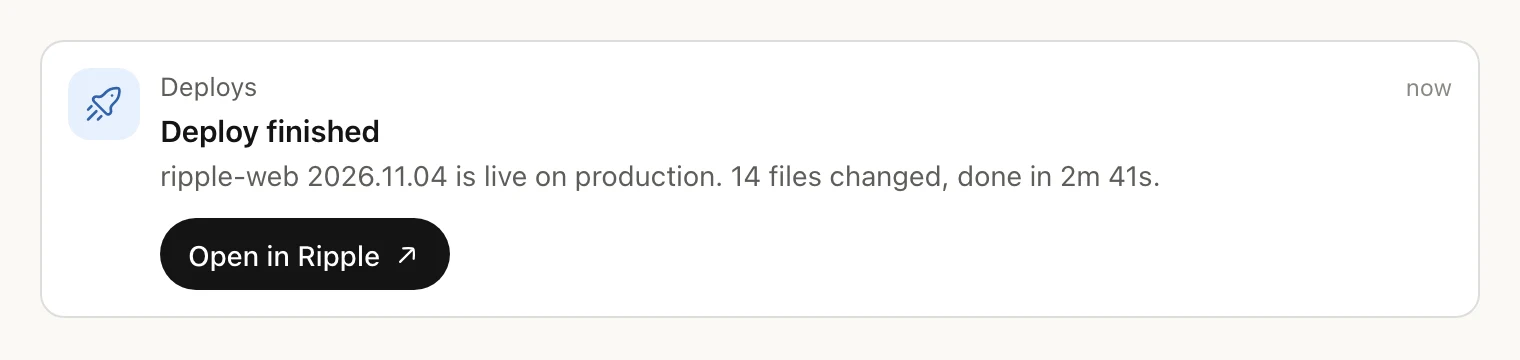
Hear when it’s done
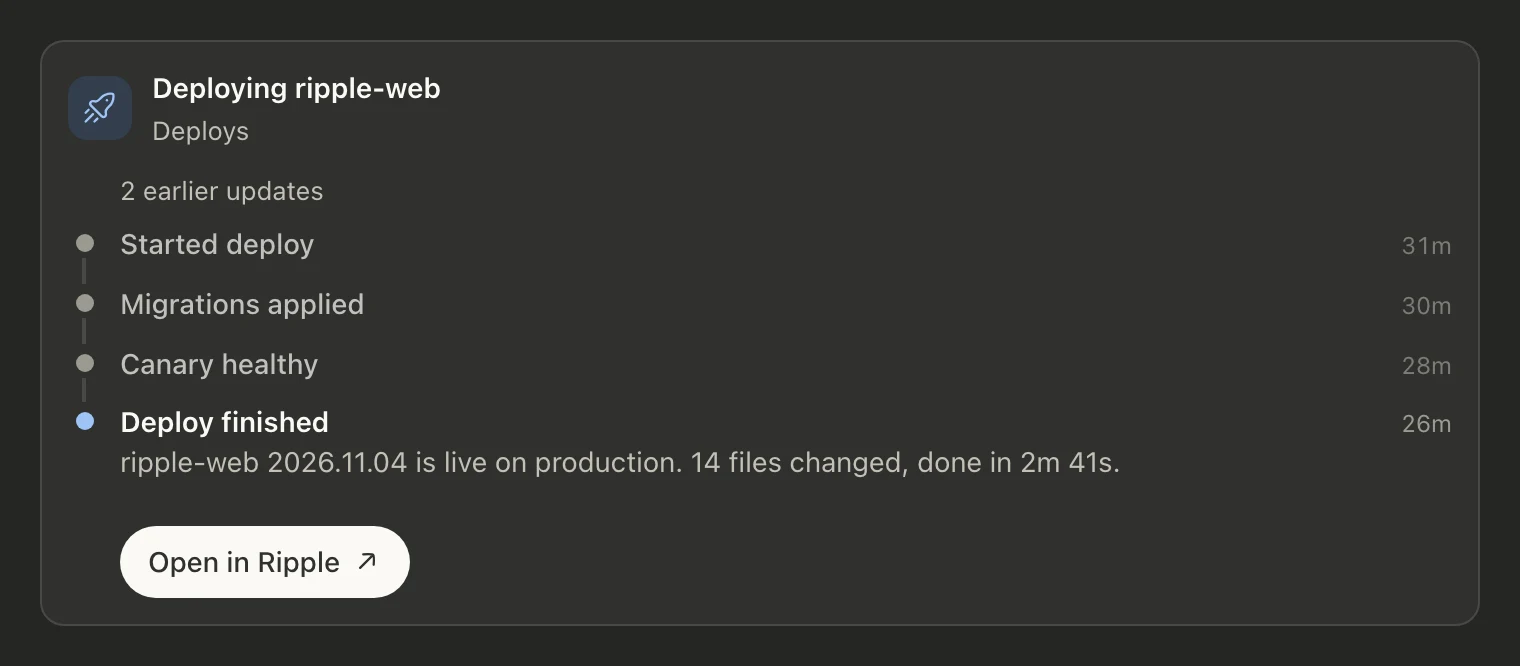
Ask it to message you when a long task finishes. The update lands in Ripple, threaded with the rest of that task.
Let me know when the deploy finishes.
Plain words
Ask for “what failed today” or “snooze the backup alerts until Monday”.
Signed out at once
Remove an AI agent in Settings and its access ends.
Never a new source unasked
It suggests one, and makes it only when you say yes.
In the app’s own look
Cards take the colors and fonts of the app they’re in.
In your editor too
An AI agent in your editor connects the same way.
Or an API token
Scripts get the same four levels of access.
Bring Ripple into the chat.
Sign in, then add Ripple to your AI agent.